New · Android
Build your own apps with AI
From simple databases to powerful custom applications. No coding required.
Describe the app you need. The AI builder creates its libraries and screens and checks that everything works. The app runs right inside Memento, so you use it at once, offline and without AI.
Ready instantly
How it works
Talk to the builder like you would to a developer on your team.
Describe it
Tell the builder what the app should do in plain words, or start from a suggestion. When something is unclear, it asks, with options to tap.
The AI builds it
It creates the libraries the app needs or connects yours, writes the screens, runs the app to check that it loads, saves and shows the right data, and fixes the errors it finds.
Use it, improve it
Try the app right away: no hosting, no deploy, nothing to install. Say what to change, "Make the buttons bigger", and see it at once. Every request is saved as a version you can undo.
What you can build
Each of these apps started as one sentence.
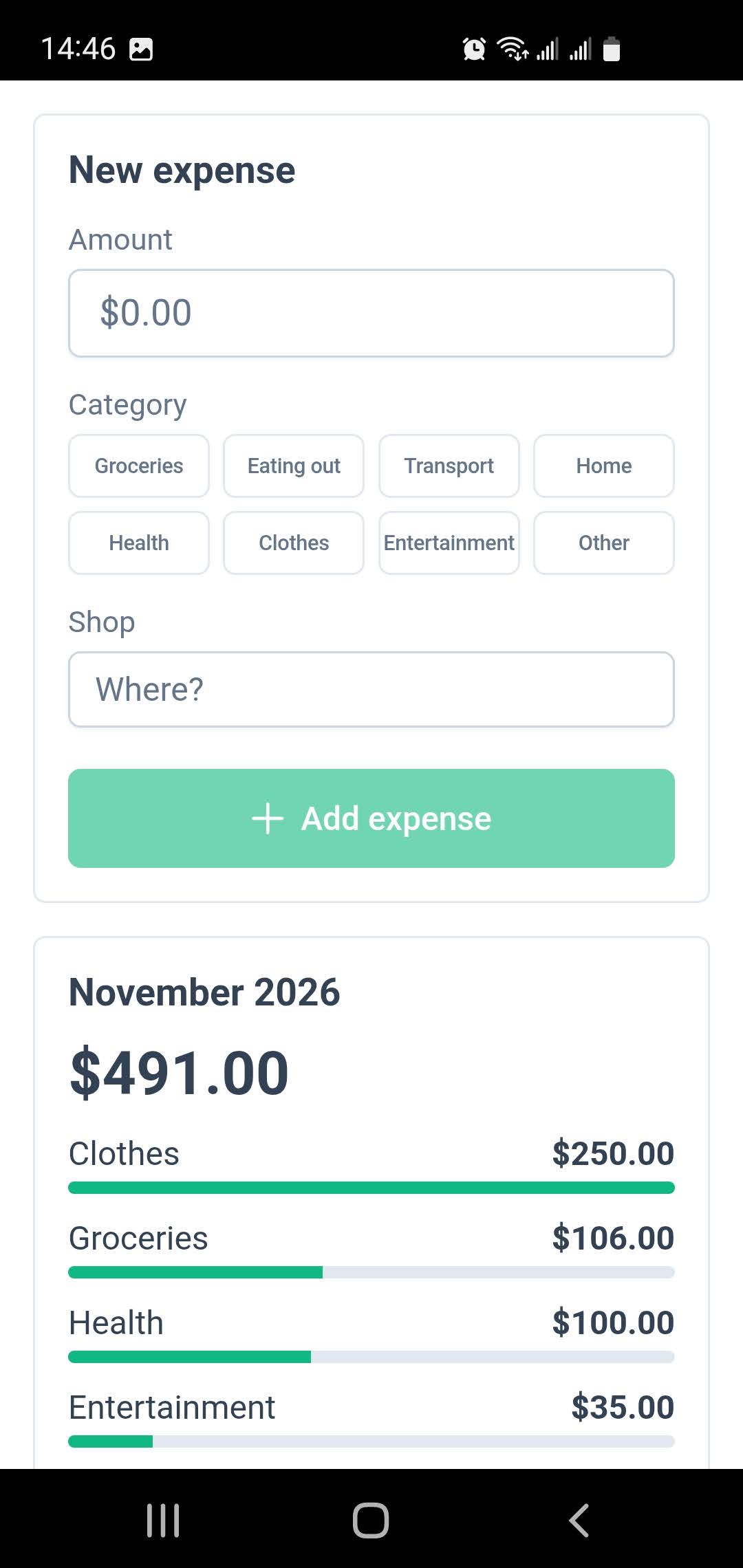
Expense quick entry
"A quick-entry screen for my expenses: amount, category and shop, with this month's total by category."
FormsChartsLinked libraries
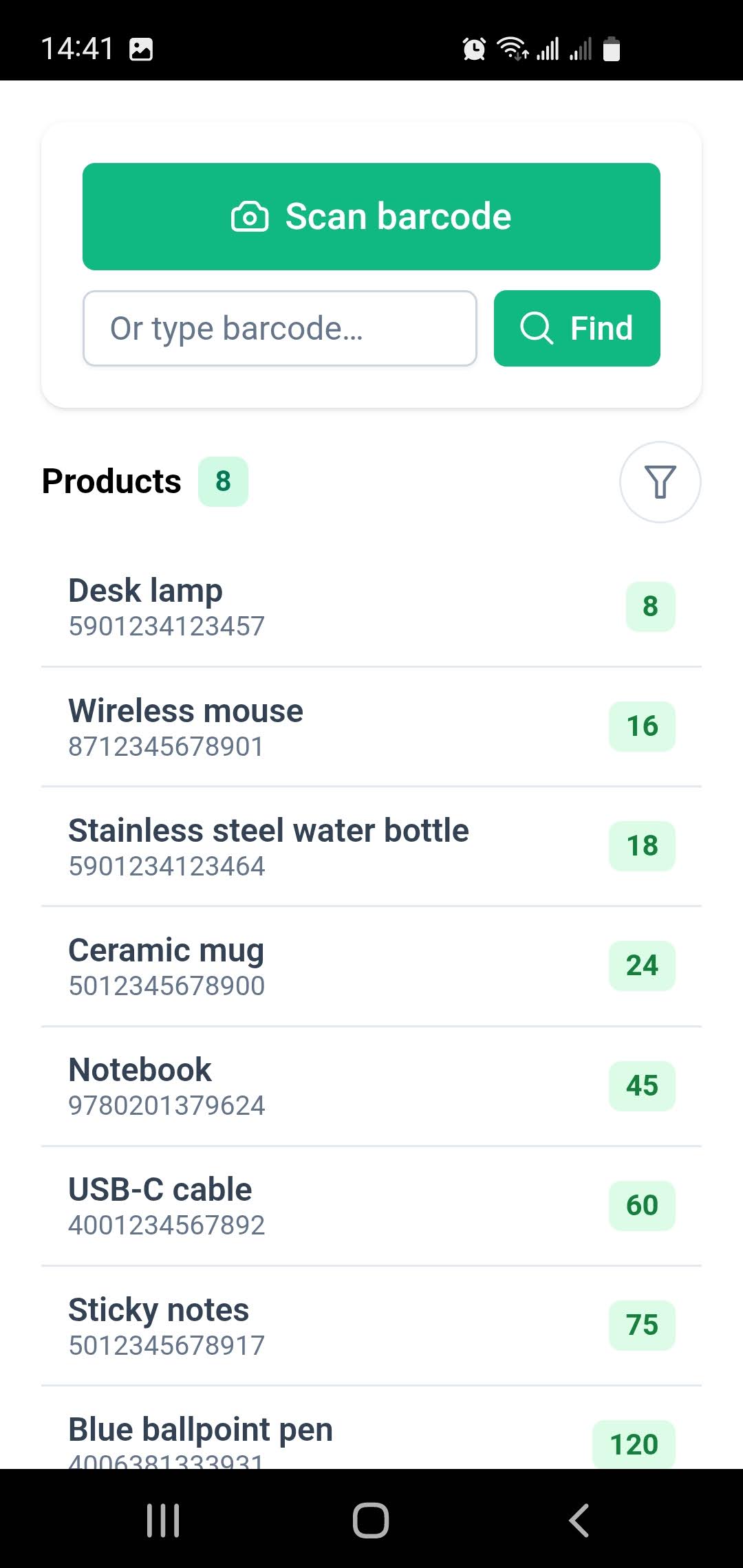
Warehouse scanner
"Scan a product's barcode, show its stock and let me add or remove items."
Barcode scannerInventory
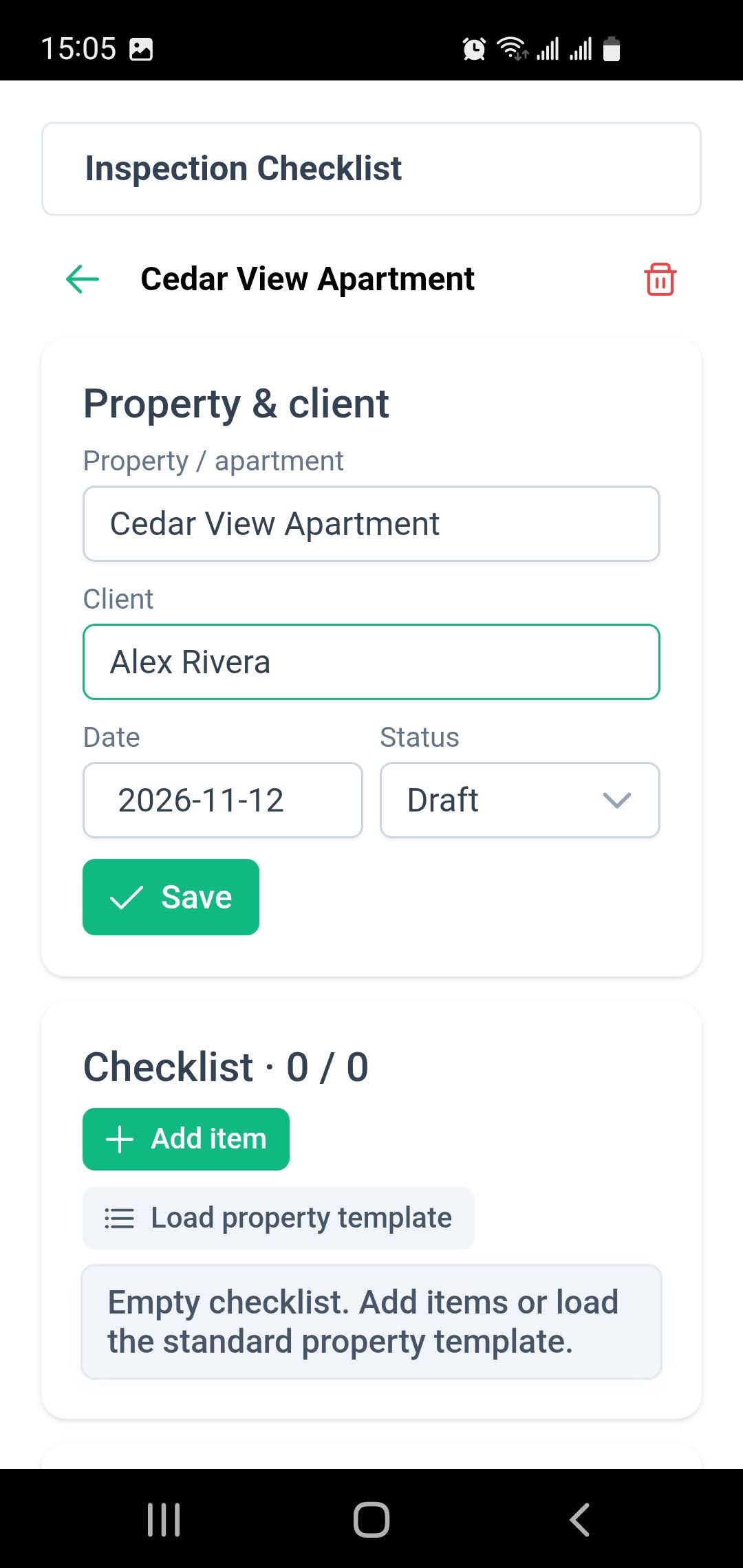
Site inspection
"An inspection checklist with photos, the client's signature and a PDF report."
CameraSignaturesPDF reports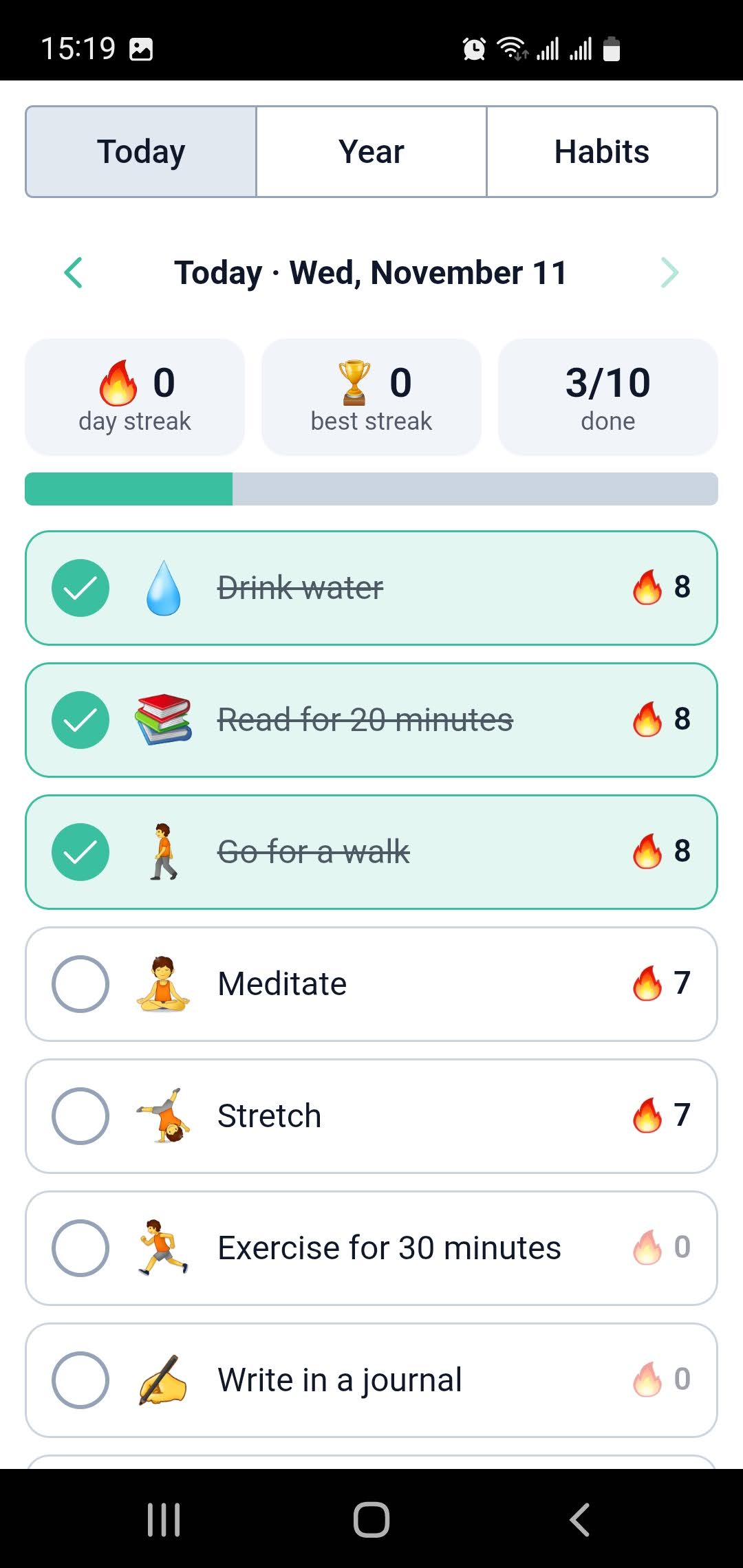
Habit tracker
"Track my daily habits with streaks, a year heatmap and confetti when I finish the day."
Advanced chartsRecurrenceConfetti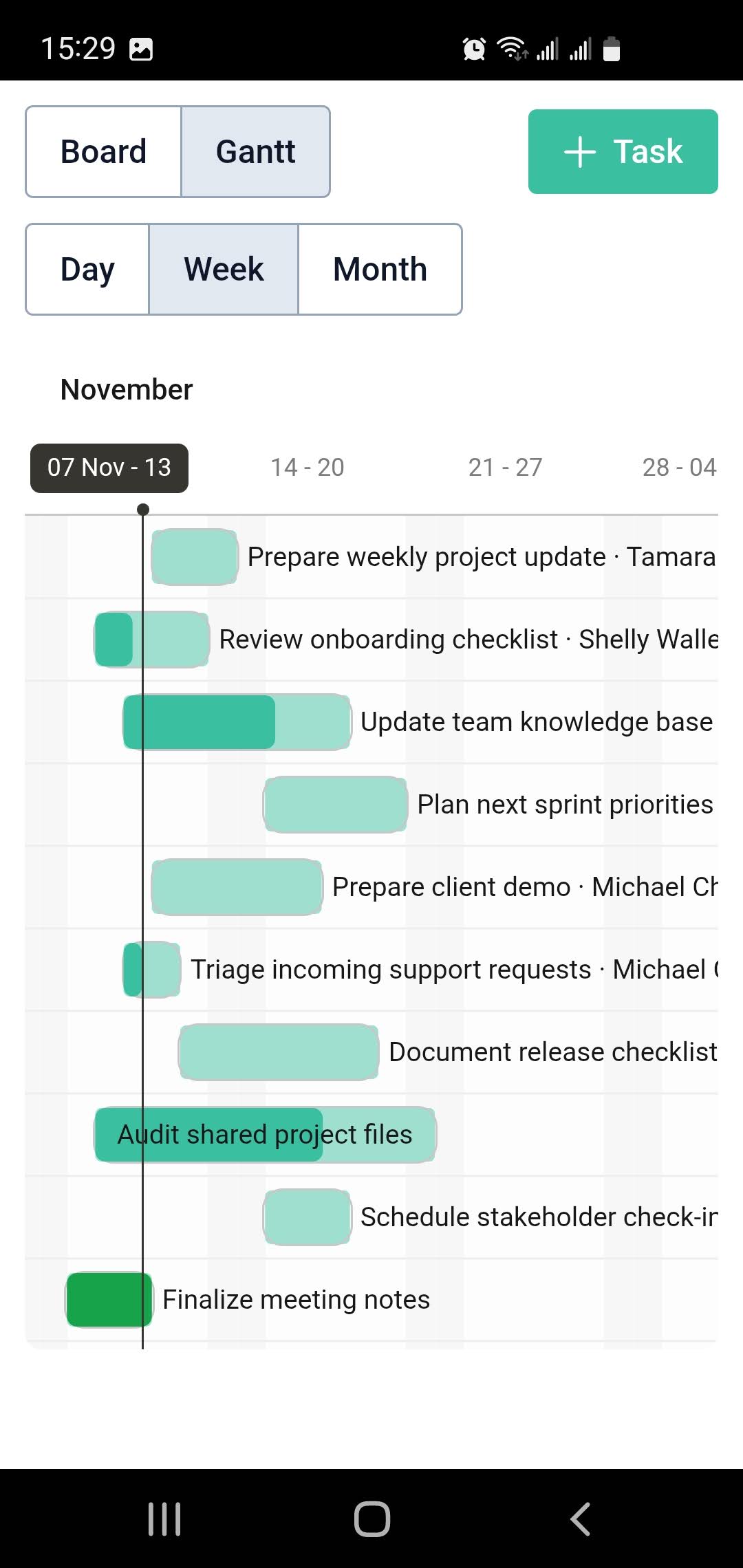
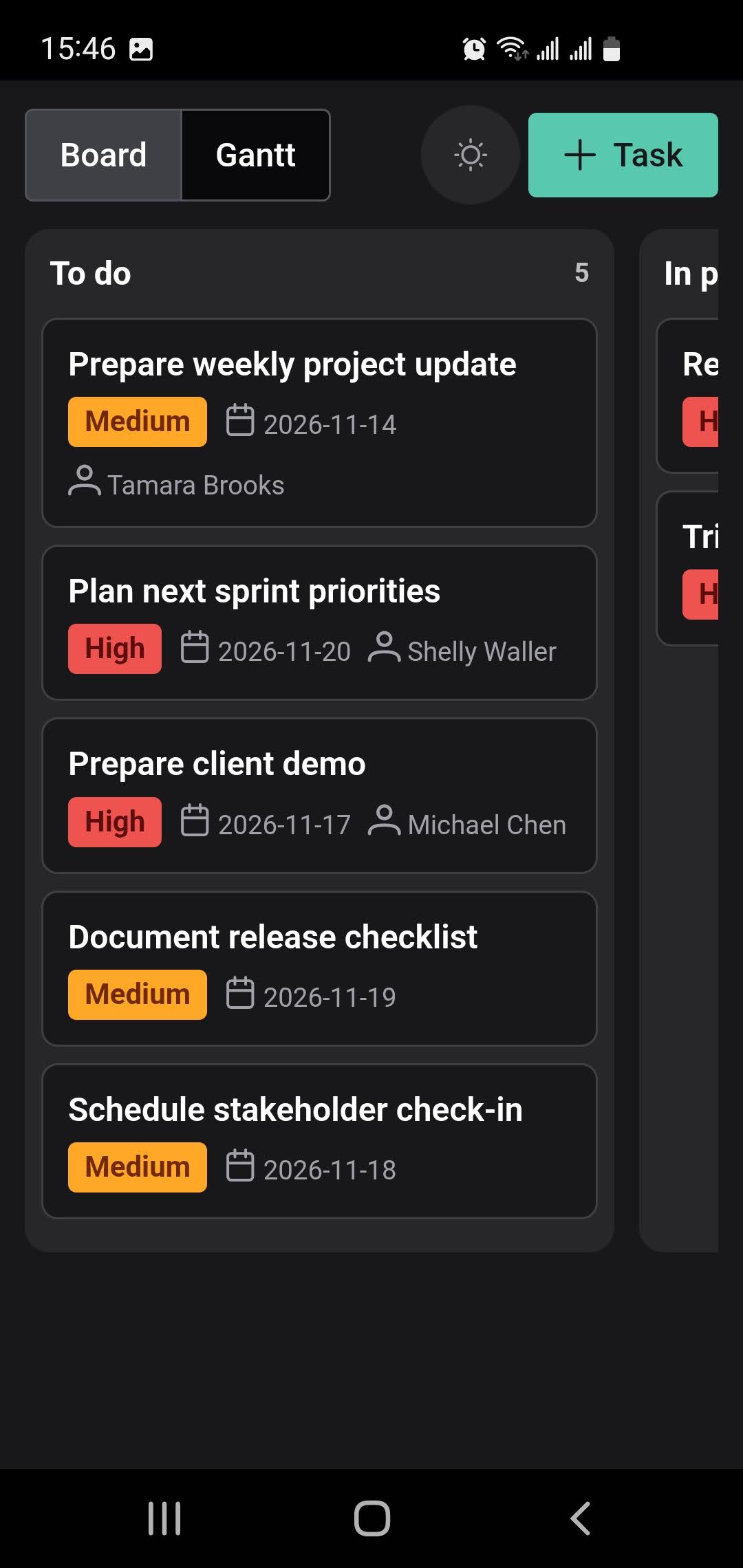
Team task board
"A board for our team's tasks: drag cards between columns and see deadlines on a Gantt chart."
Drag and dropGantt chartsMemento Cloud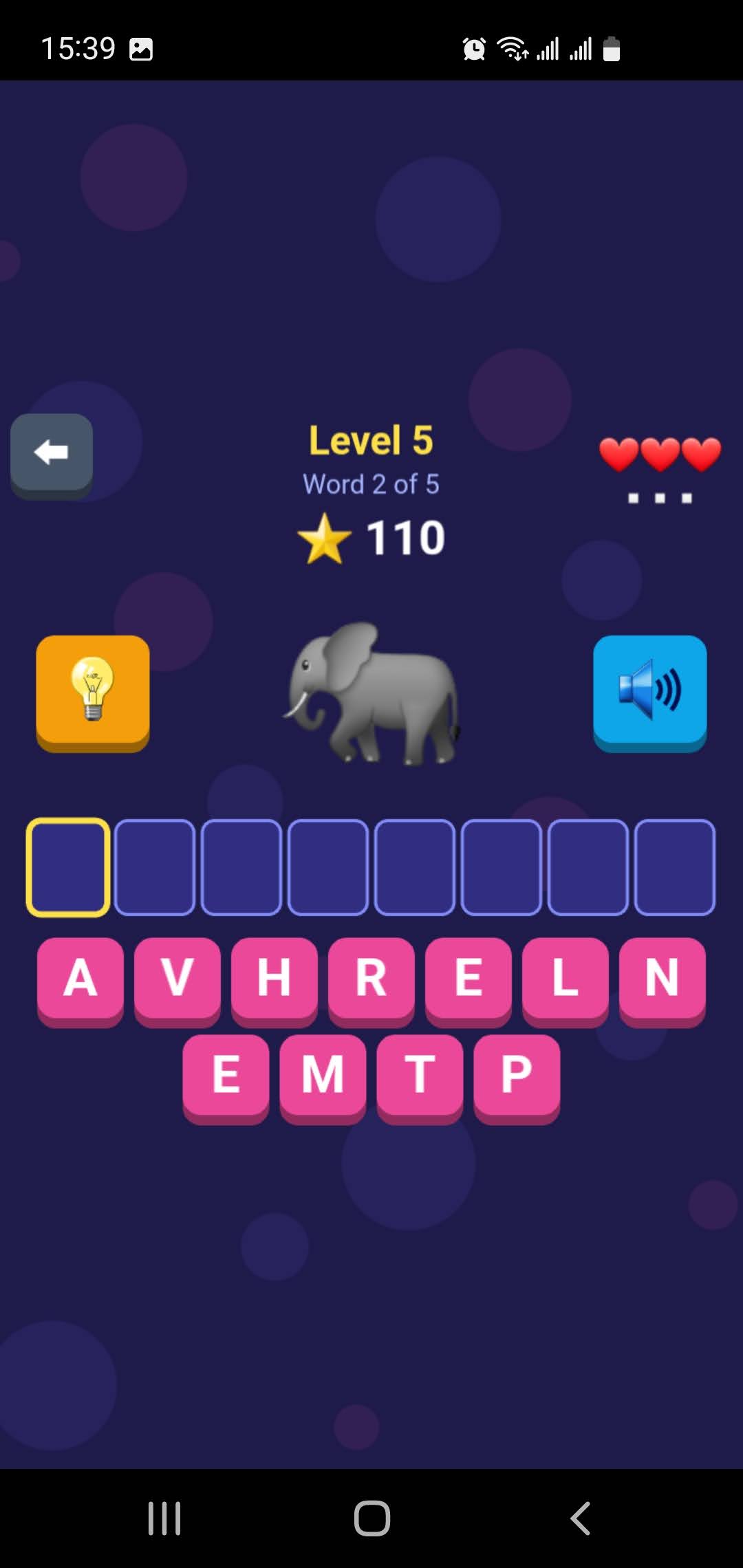
Spelling game for kids
"A spelling game for my kids with sounds, levels and a high-score table."
PhaserSoundCalculators, dashboards, maps of your places, tools for web services, 3D model viewers: if you can describe it, you can build it.
The Memento difference
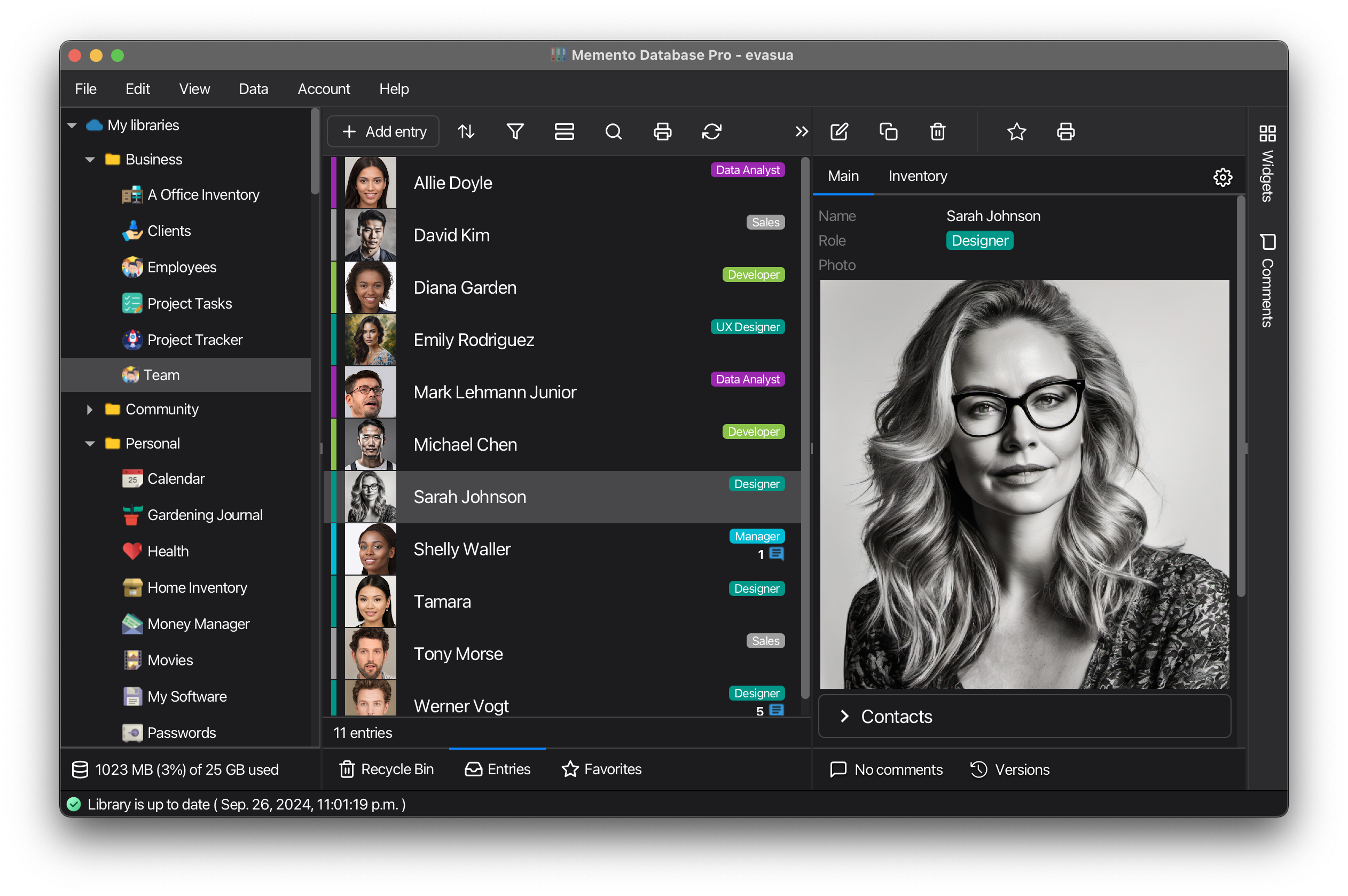
Your app's data lives in your database
Apps save ordinary entries in your Memento libraries, so nothing is locked inside the app.
- Search, filter, chart and export app data like any other entries.
- Cloud libraries sync to Memento on iOS, Windows, Mac and Linux.
- Connect the libraries you already have, or let the builder create new ones.
- Delete or rebuild an app: its entries stay.
Made for your phone
Apps use what your phone can do, and keep working where there is no signal.
Works offline
No internet and no AI needed to use an app.
Camera & files
Add photos from the camera and files from the phone to entries.
Barcode & QR scanner
Scan codes with Memento's scanner; the app gets only the code.
Voice notes
Record sound into an entry while the app is on screen.
CSV & PDF export
Save reports and spreadsheets to your phone.
Home-screen shortcut
Open your app like any other app on the phone.
Full screen & kiosk
Hide the bars for a game or a tablet on the wall.
Web services
Fetch exchange rates, weather or parcel status from hosts you allow.
From forms to games
Pick a framework when you create an app. The builder connects the add-ons it needs.
Frameworks
- Ionic · mobile screens: lists, forms, tabs and cards
- PrimeVue Aura · data-heavy screens: forms, tables, dialogs
- PrimeVue Material · the same, with the Material look
- Plain HTML · simple pages with nothing extra
- Canvas game · games drawn on a canvas, with touch input
- Phaser · 2D games with sprites, physics and sound
- 3D scene · interactive 3D scenes and model viewers
Add-ons
Add-ons are included in Memento and work offline. Map tiles load from the hosts you allow.
Multi-user out of the box
- Upload an app to Memento Cloud, and your team works in it together, with the same data synced to every device.
- Give users or groups access and choose who can read, add, edit or delete entries in each library.
- Accounts, permissions and sync come from Memento: there is no backend or sign-in screen to build.
- Make it public for all Memento users and send the link. No web hosting or app store needed.
- Export it to a file with its libraries' structure, or copy it as a starting point.
Safe by design
- An app reaches only the libraries you connect, with the access you allow.
- It goes online only to the hosts you approve.
- API keys are encrypted on your device; the builder and Memento Cloud never see them.
- Every change is a version you can restore, and the code is open to read and edit.
Unlimited apps on every plan
Building and changing an app uses the AI credits included in your plan, or your own OpenAI-compatible API key. Using apps is free.
Questions about apps
Build your first app today
Install Memento on your Android phone and tell the builder what you need. On a computer? Install it to your phone from Google Play.
