Memento Database
Track and organize anything with our extremely customizable, cross-platform database app and its AI assistant
Download Now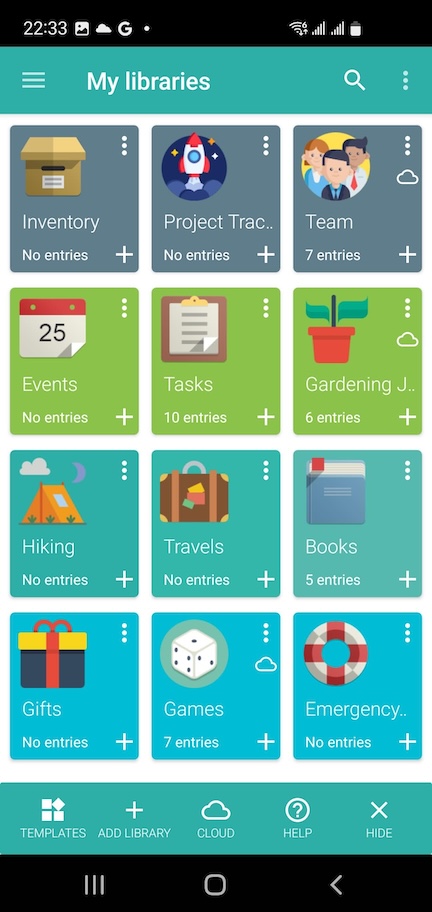
New · Android
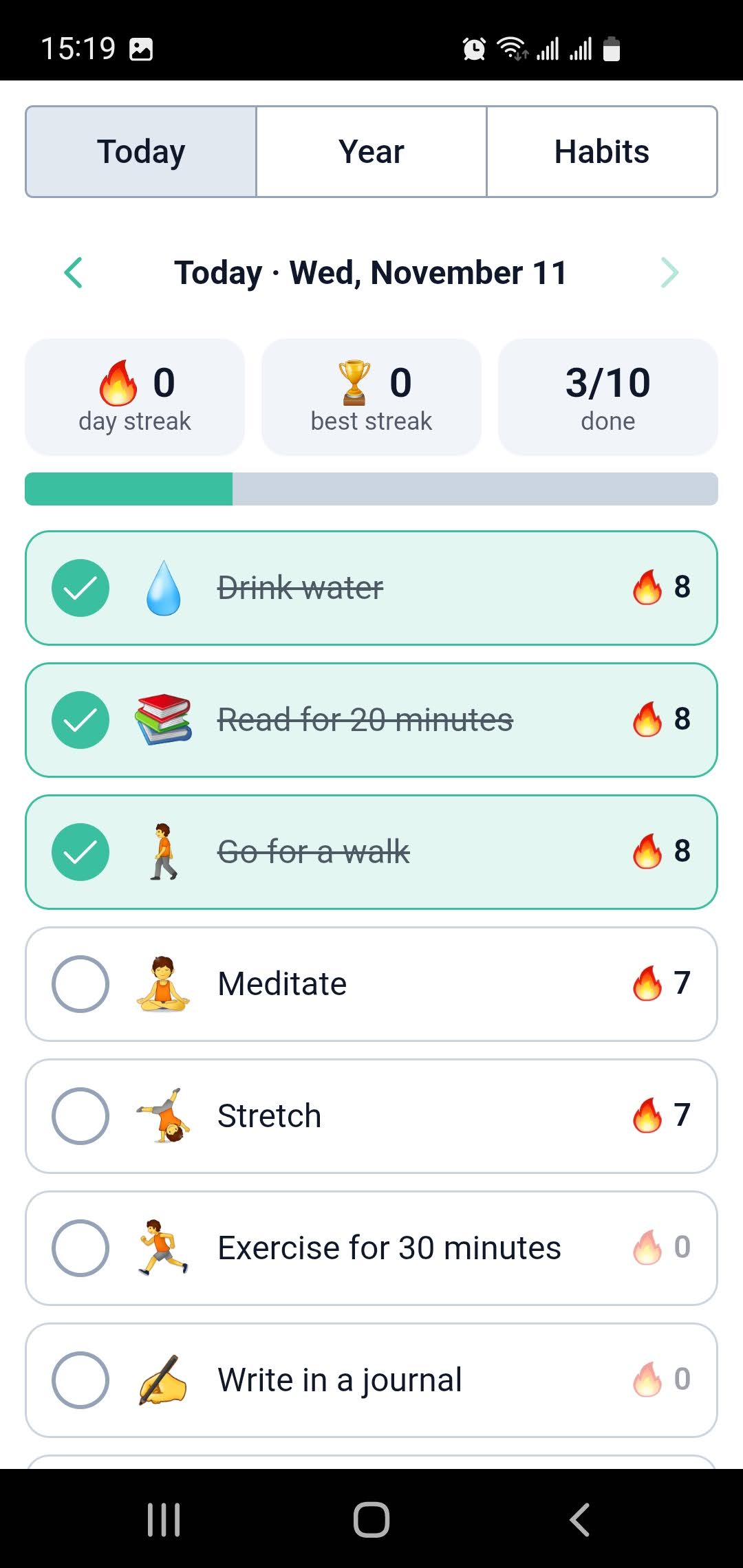
Build your own apps with AI
From simple databases to powerful custom applications. No coding required. Describe what you need, and the AI builder creates the libraries and the app on top of them.
Ready instantly
-
1
Describe it
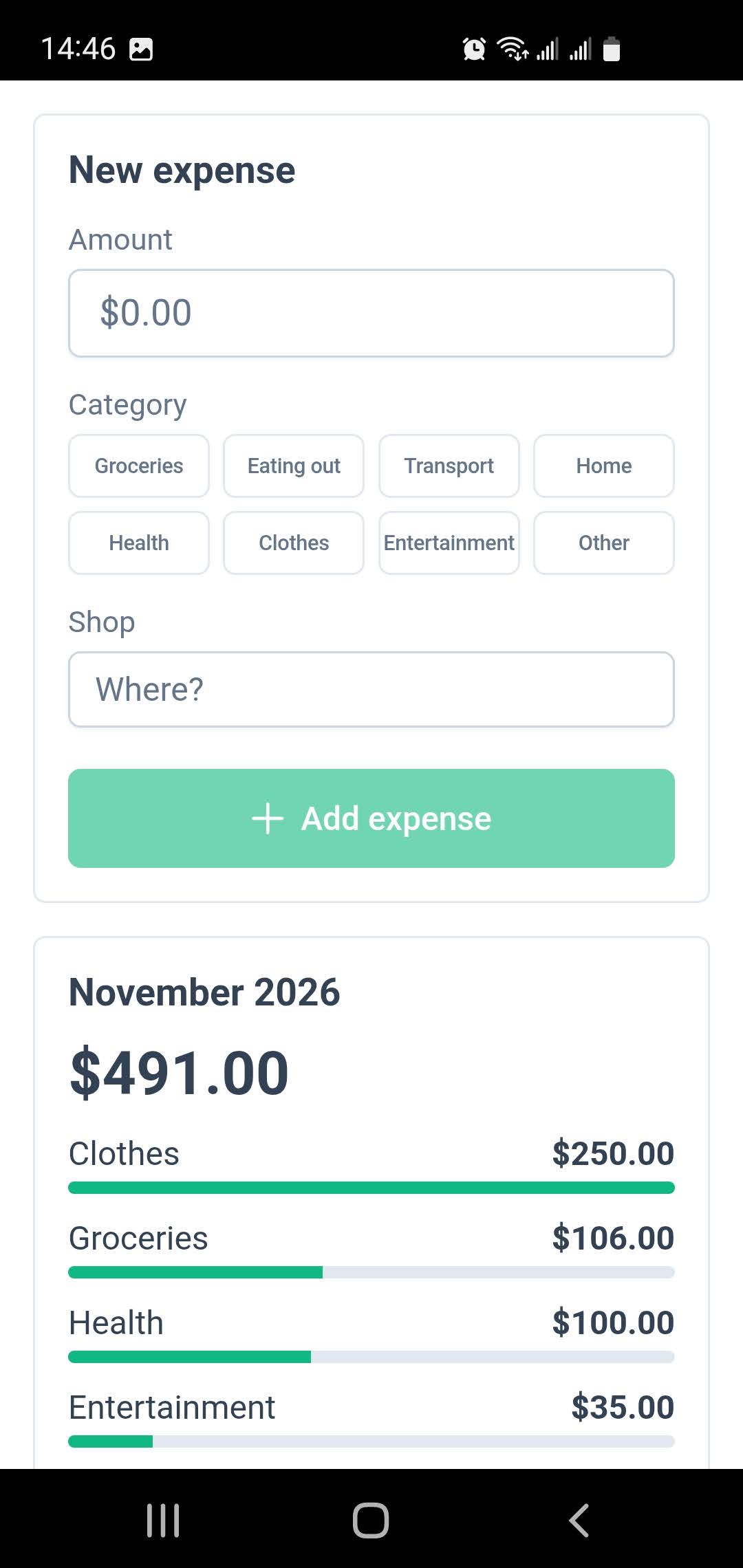
"A quick-entry form for my expenses with this month's total by category."
-
2
The AI builds it
It creates the libraries, writes the screens, runs the app to check them and fixes what it finds.
-
3
Use it right away
The app opens in Memento as soon as it's built: no hosting, no deploy, nothing to install. It works offline and without AI, right from your home screen.
-
4
Share it with your team
Upload it to Memento Cloud, and it becomes a team app: everyone works with the same data, with the permissions you choose. Accounts, access and sync are already there.
Powerful Data Management Made Simple
Everything starts with your data: libraries you design, share and analyze on every platform.
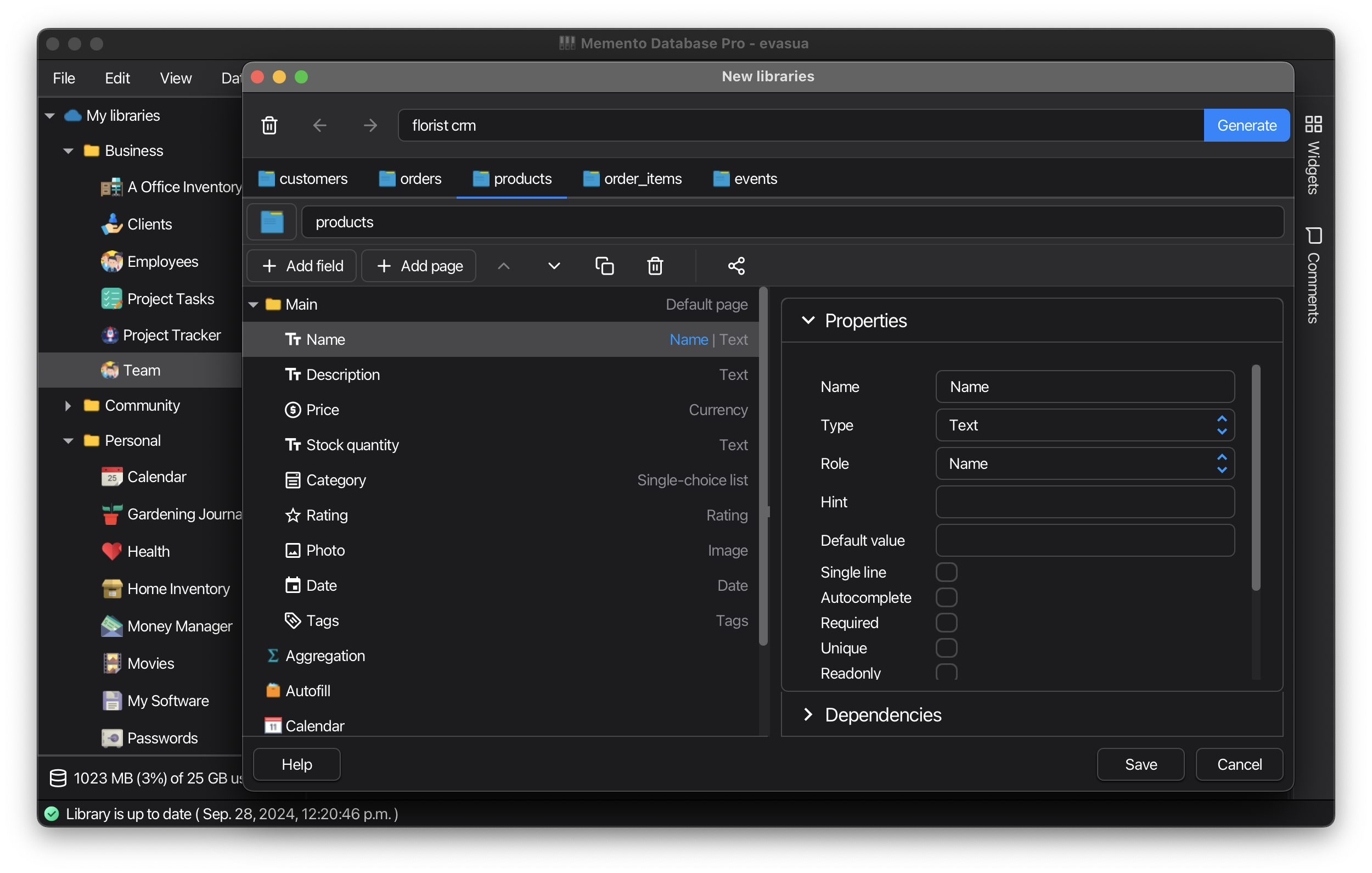
Architect
No-Code Database Builder
-
Design your own database structure without coding
-
Choose from 20+ field types: text, numbers, dates, files, locations, barcodes, and more
-
Create relationships between different data types to connect related information
-
Automate workflows with visual rules or JavaScript for advanced customization
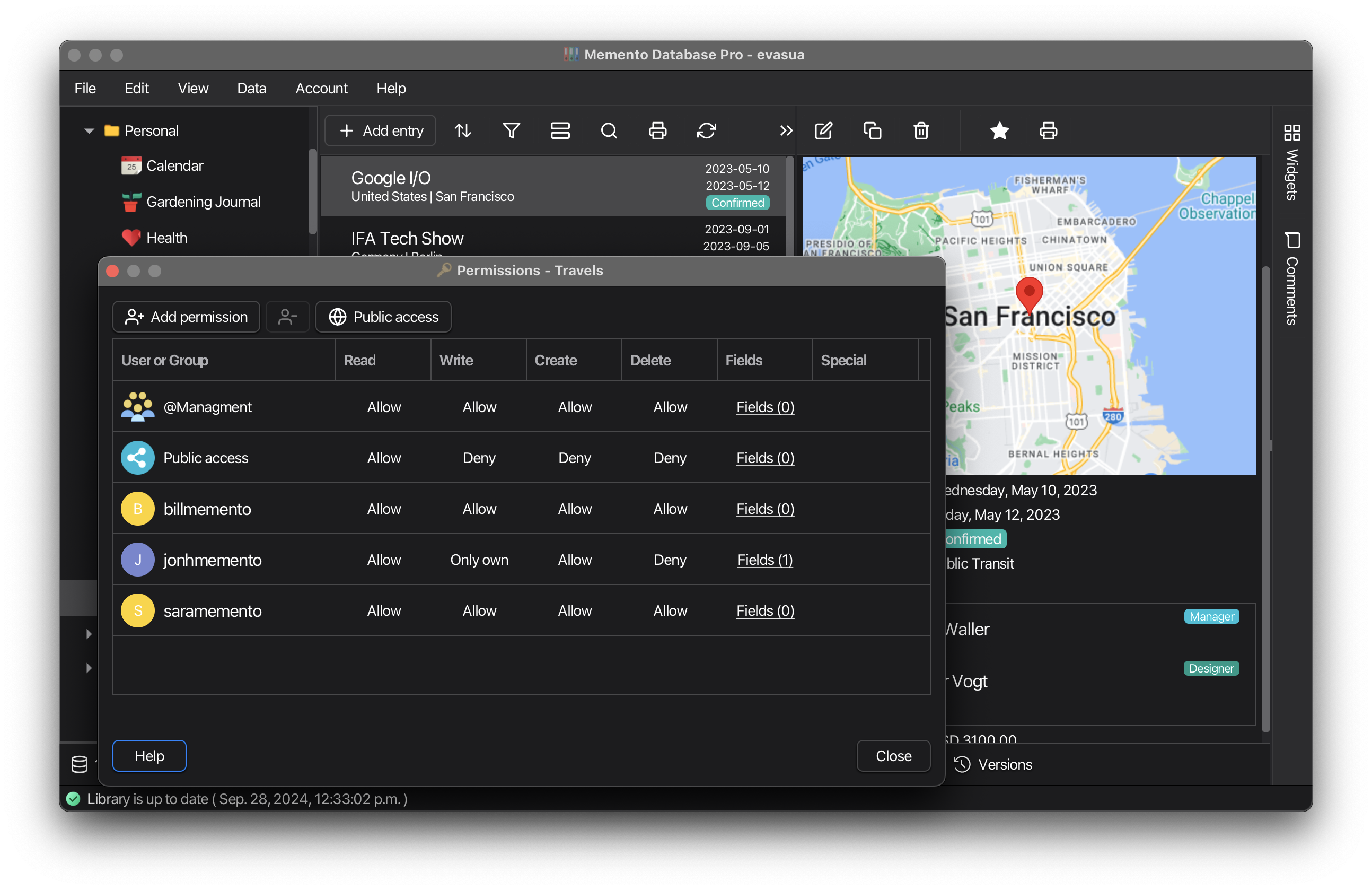
Collaborate
Team Sync & Multi-Platform Access
-
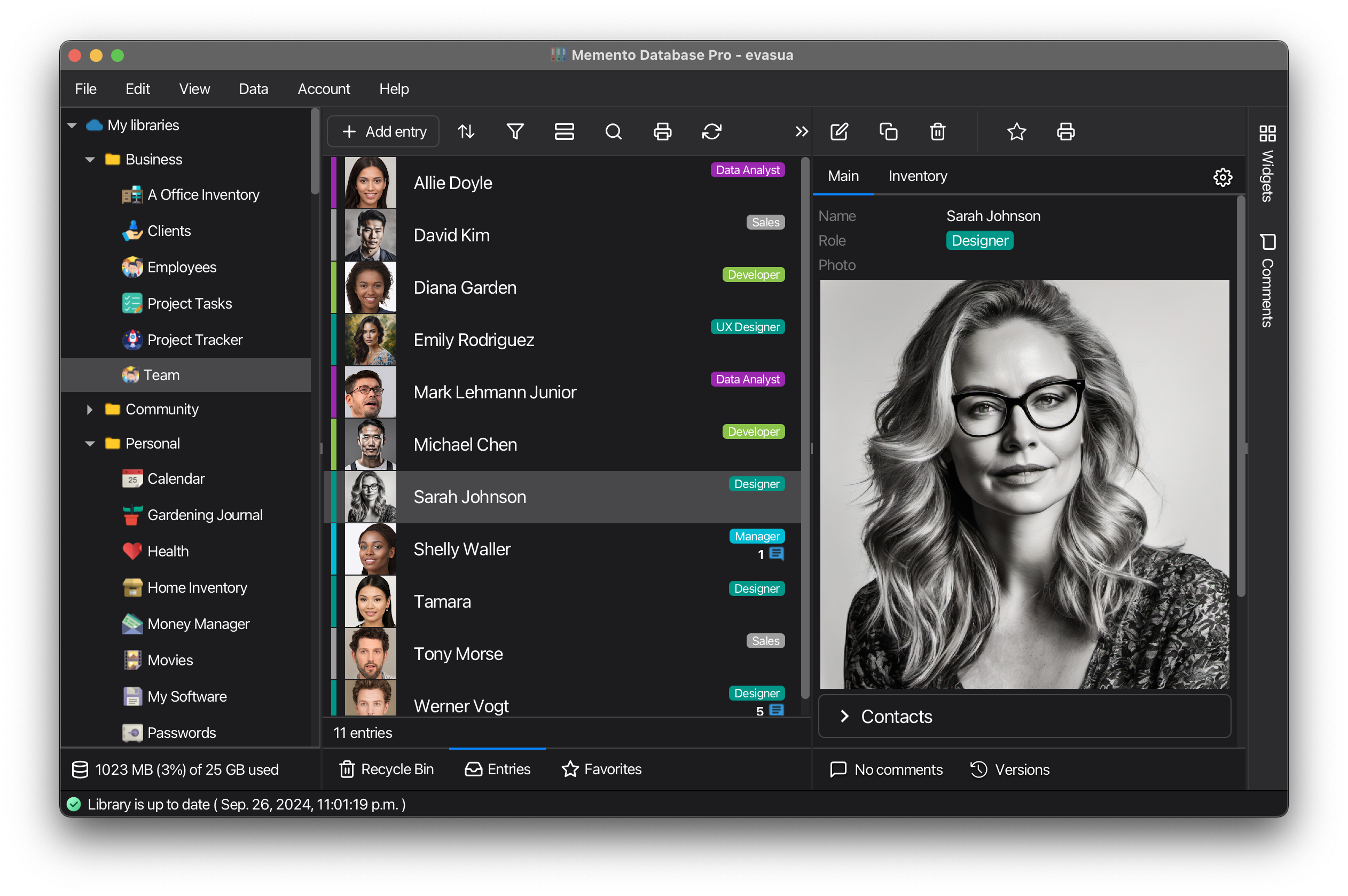
Share libraries with granular permissions: view, edit, or manage access rights
-
Sync data across Windows, Mac, Linux, Android, and iOS devices
-
Collect data via web forms without requiring app installation
-
Work offline with automatic sync when connection is restored
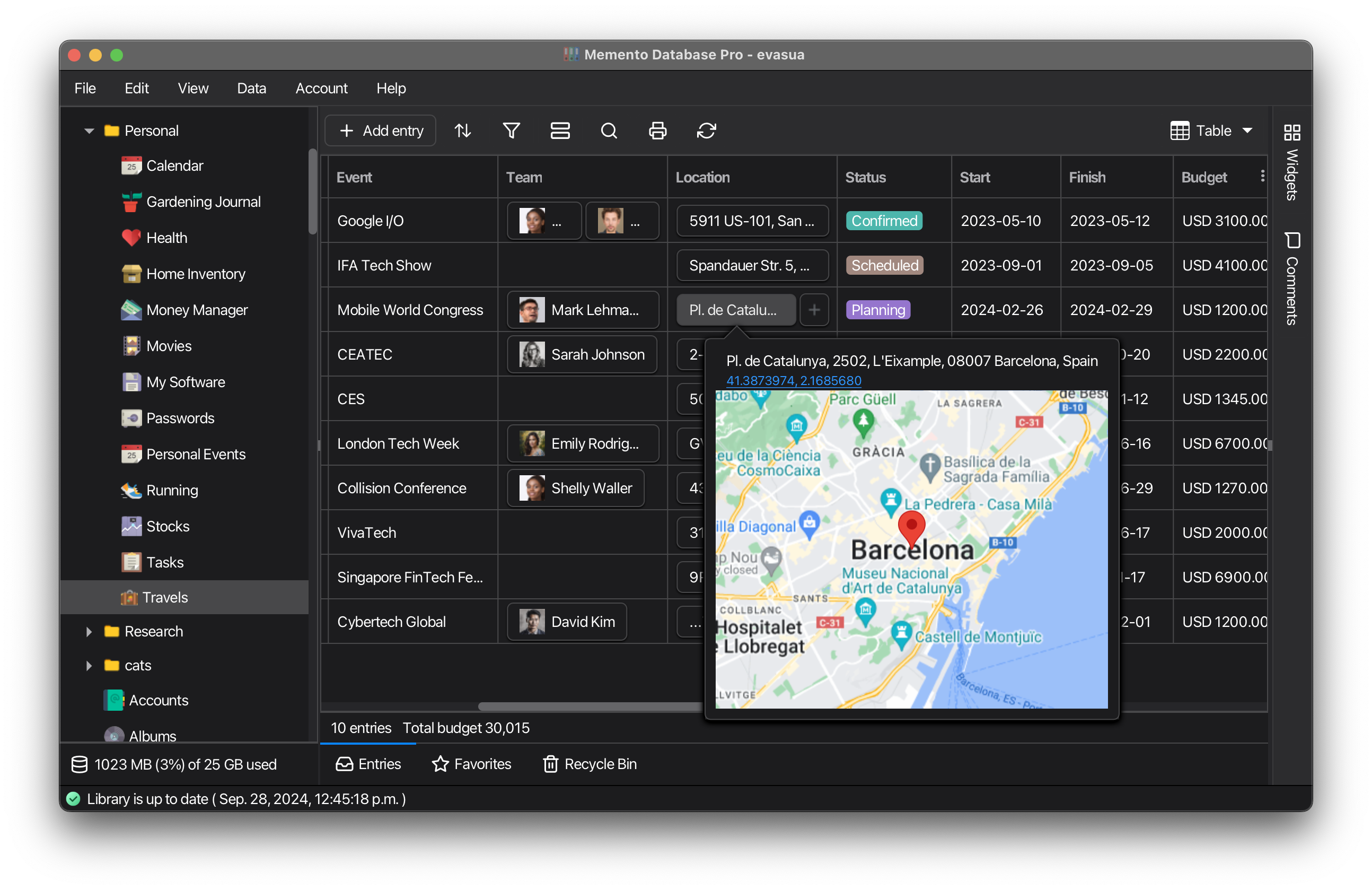
Visualize
Customizable Data Views
-
Choose from multiple data visualization options: List, Tables, Map, Calendar
-
Tailor your view settings for a personalized experience
-
Group and organize records by any field for better data structure
-
Turn your data into custom apps with the AI app builder
Analyze
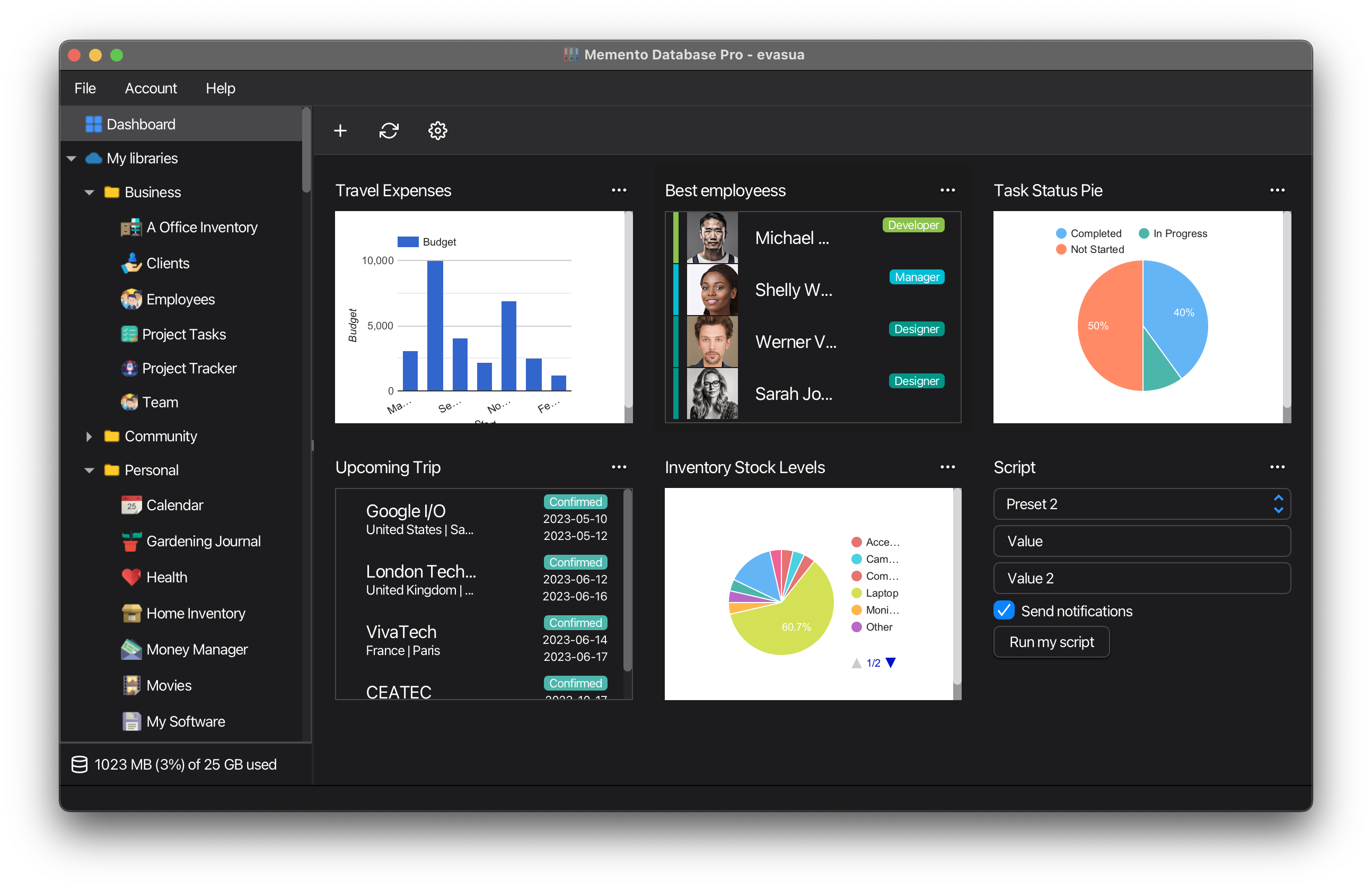
Comprehensive Dashboards
-
Aggregate data from various sources in one view
-
Create insightful charts and graphs
-
Get AI-powered insights and answers about your data
-
Perform complex calculations across datasets
AI Assistant
Ask your data anything
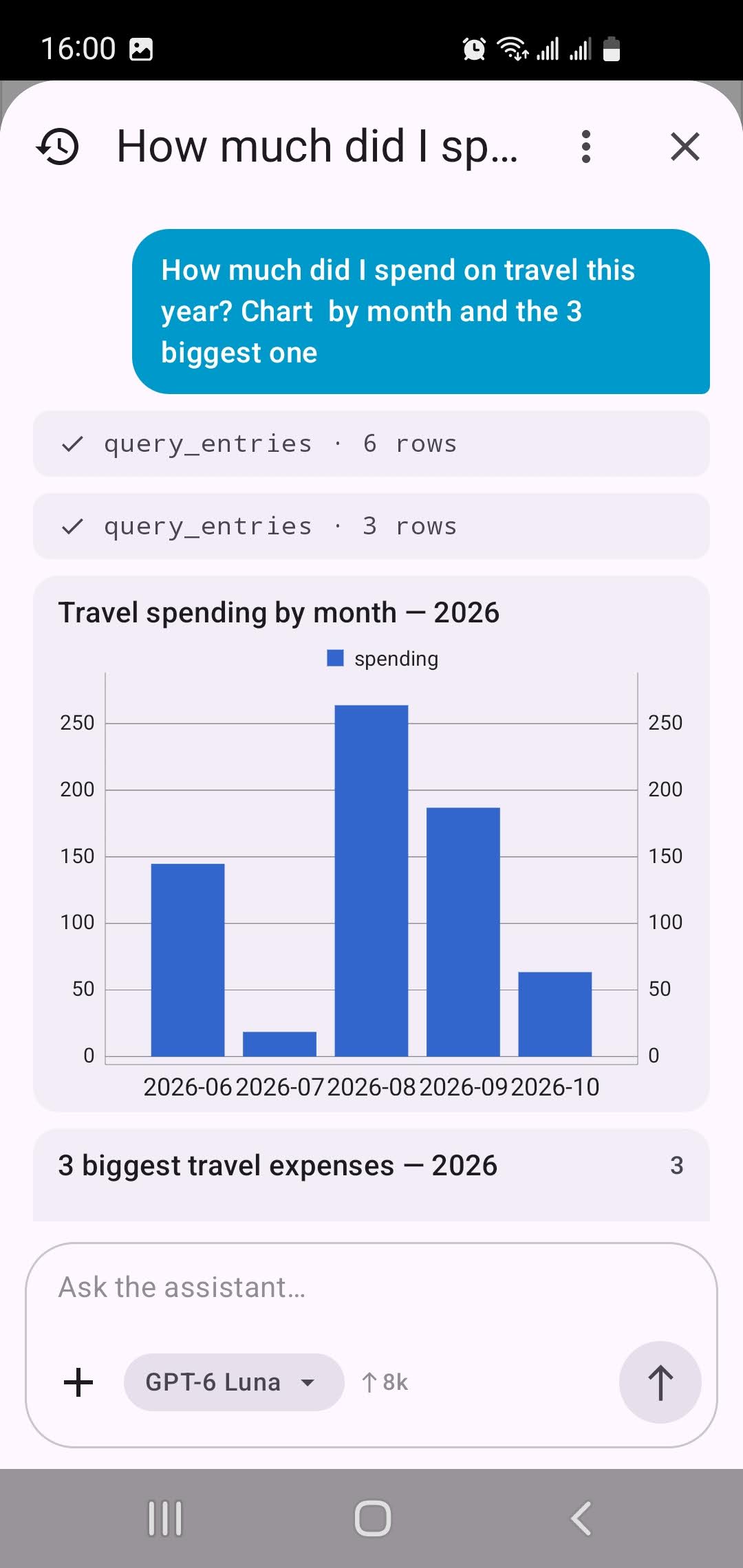
A chat that works with your libraries: it finds and counts entries, answers questions, adds and fixes entries, and designs new libraries from a description.
Find & analyze
"How much did I spend on travel this year?" Search, filter, compare and sum by month or category.
Charts & entry cards
Answers come with charts you can share and live entry cards you tap to open.
Entries from photos & files
Snap a receipt, a price list or a spreadsheet and get ready-made entries.
Design libraries
Describe what you track and get linked libraries with the right fields.
Scripts & SQL
Writes and explains scripts and SQL queries right in the editor.
Web search & links
Looks up current information and reads web pages, PDFs and documents by link.
Use the AI credits included in your plan or your own OpenAI-compatible API key. Choose for each library what the assistant may read or change.
Mobile Power: Your Data, Anywhere, Anytime
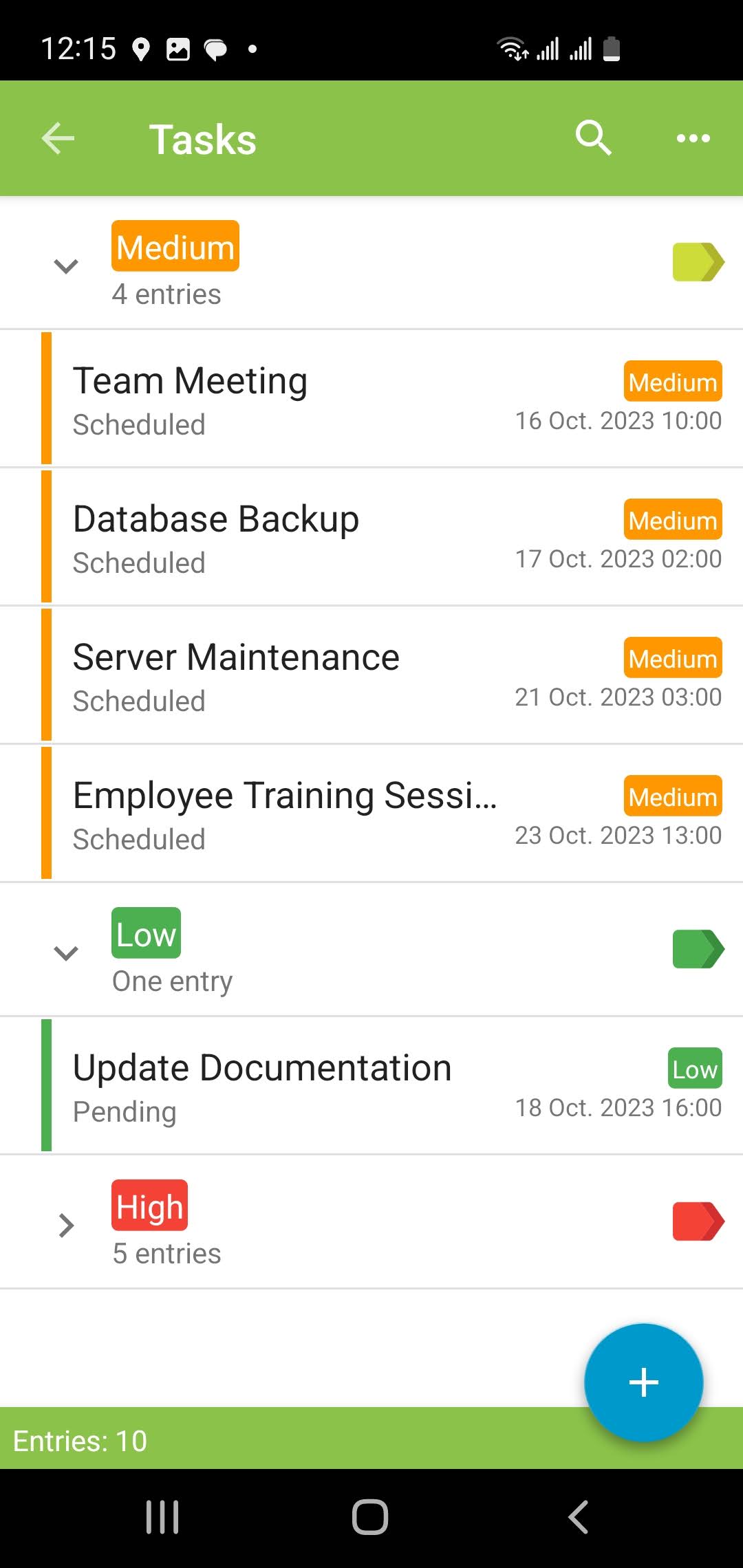
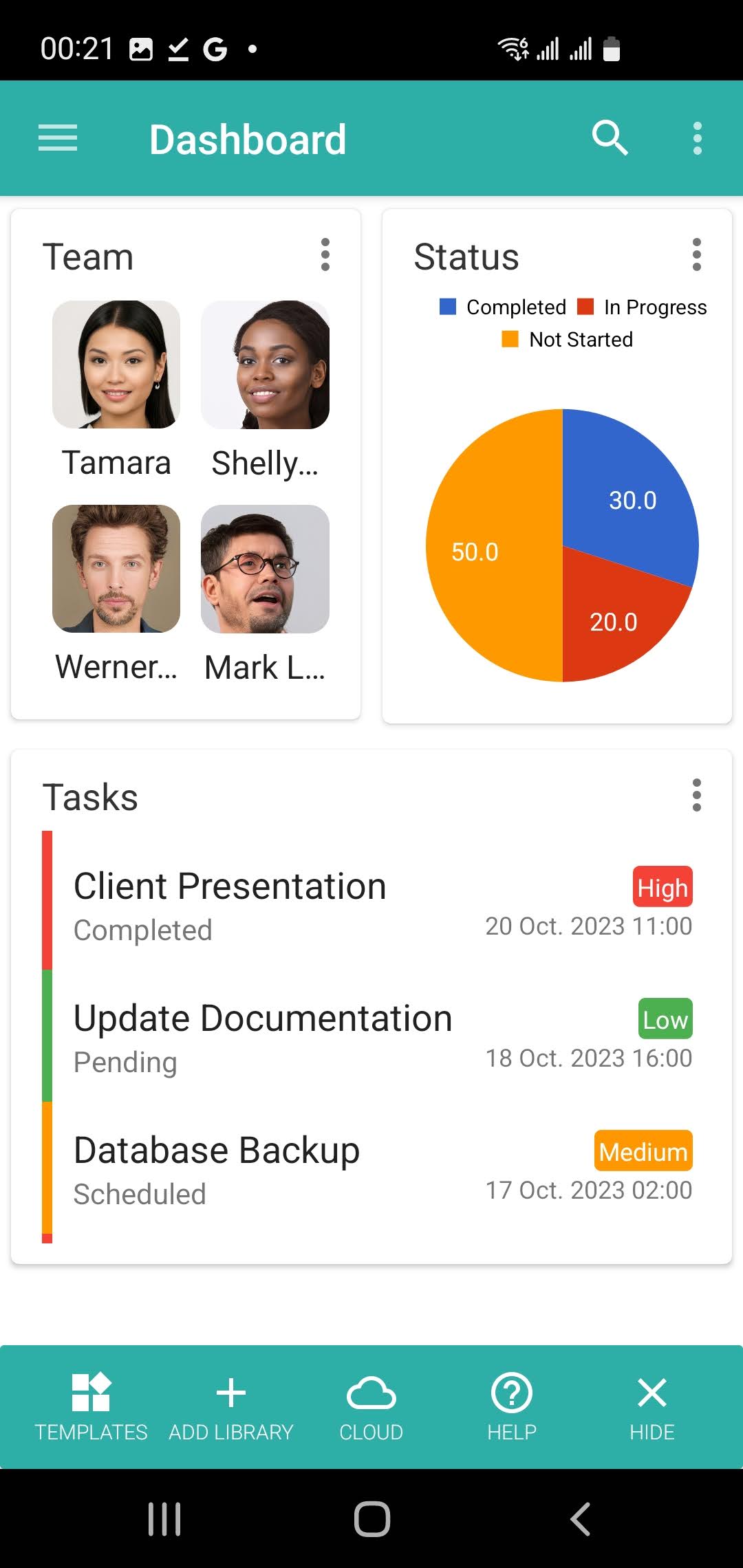
Experience the full potential of Memento on the go with our feature-rich mobile app.
Full Desktop Power
All desktop features in a mobile-optimized interface for on-the-go productivity.
Google Sync
Seamless integration with Google Sheets and Docs for real-time data harmony.
True Offline Mode
Fully functional without internet, perfect for fieldwork and remote locations.
Smart Device Features
Utilize camera, barcode scanning, and GPS for enhanced data collection.
Use cases
One platform for work and life
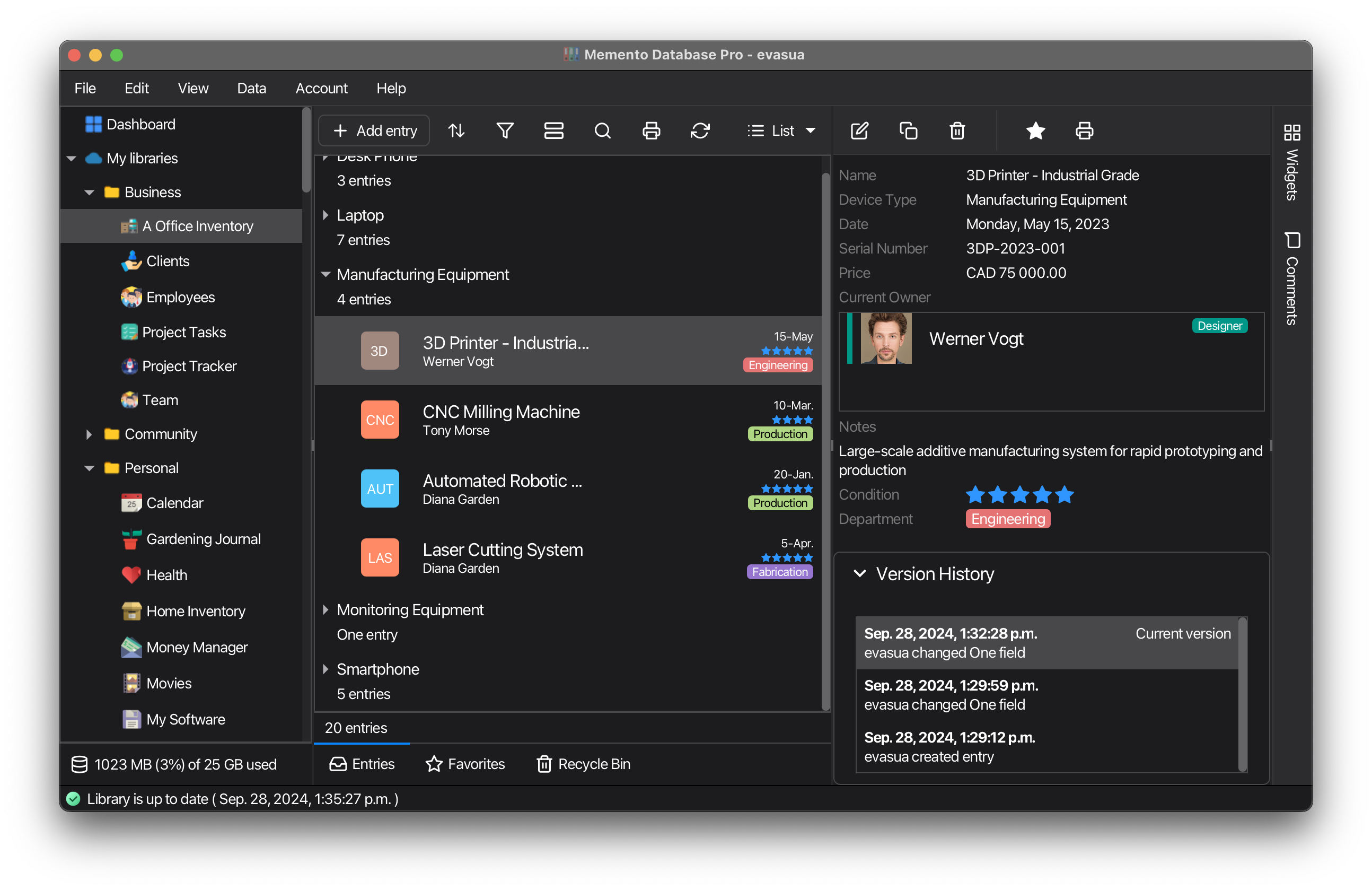
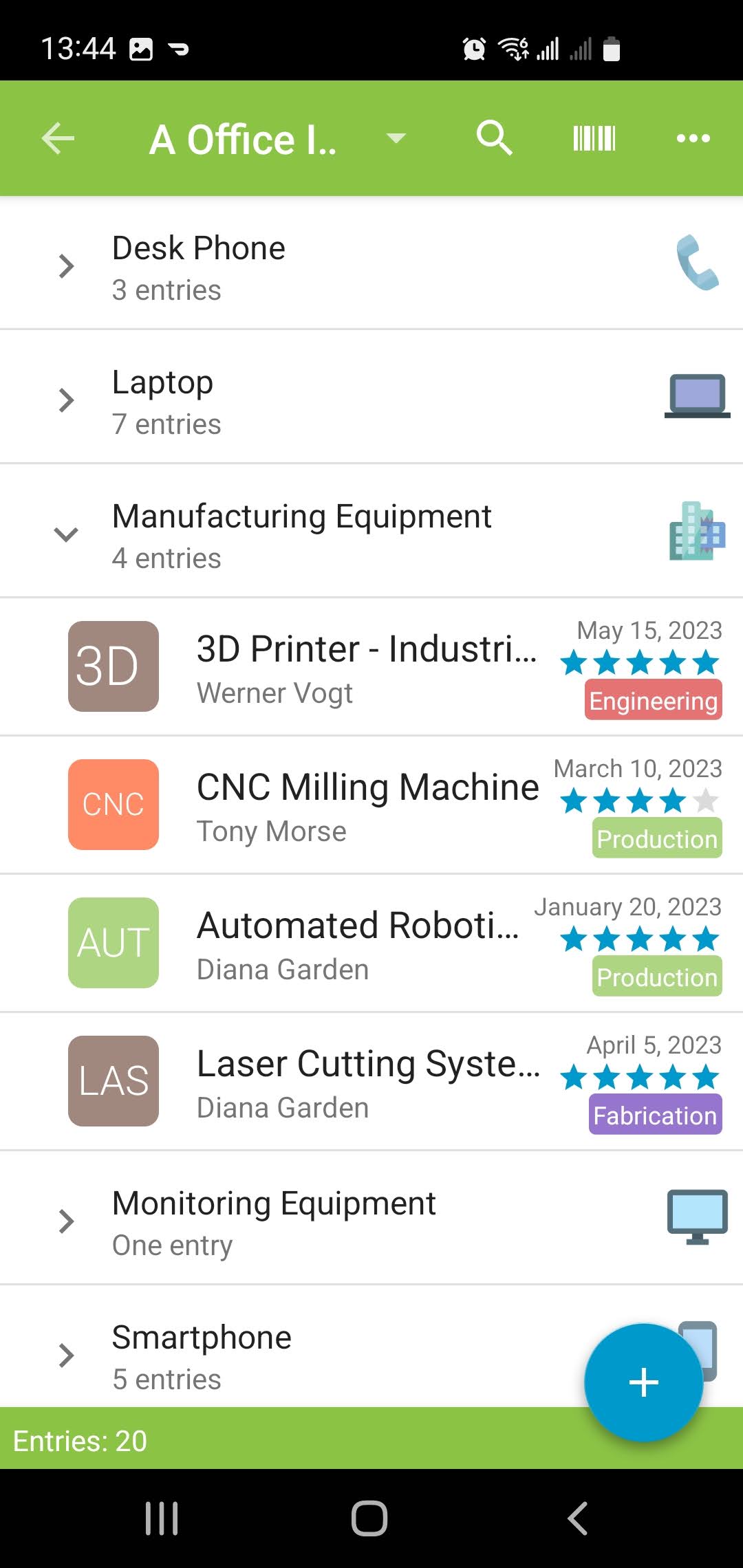
Create custom solutions tailored to the unique needs of your small business. Memento replaces multiple specialized apps, offering an all-in-one platform that simplifies your entire operation.
Inventory Management
Track stock levels, orders, and suppliers efficiently.
CRM
Manage client interactions and sales pipelines.
Project Management
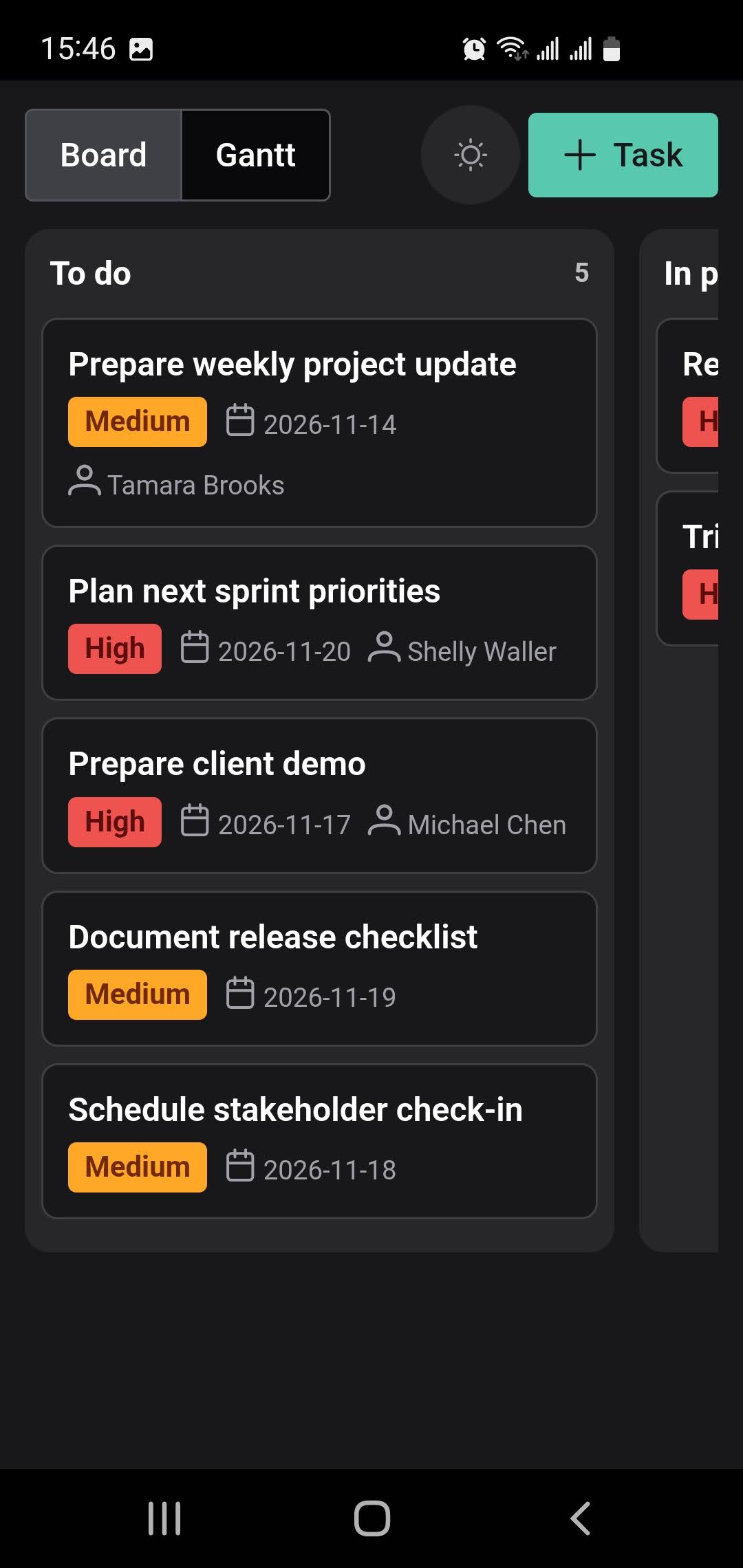
Organize tasks, timelines, and team responsibilities.
Asset Tracking
Monitor equipment, maintenance schedules, and depreciation.
HR Management
Streamline employee data, performance reviews, and training records.
Production Planning
Schedule manufacturing processes and track materials.
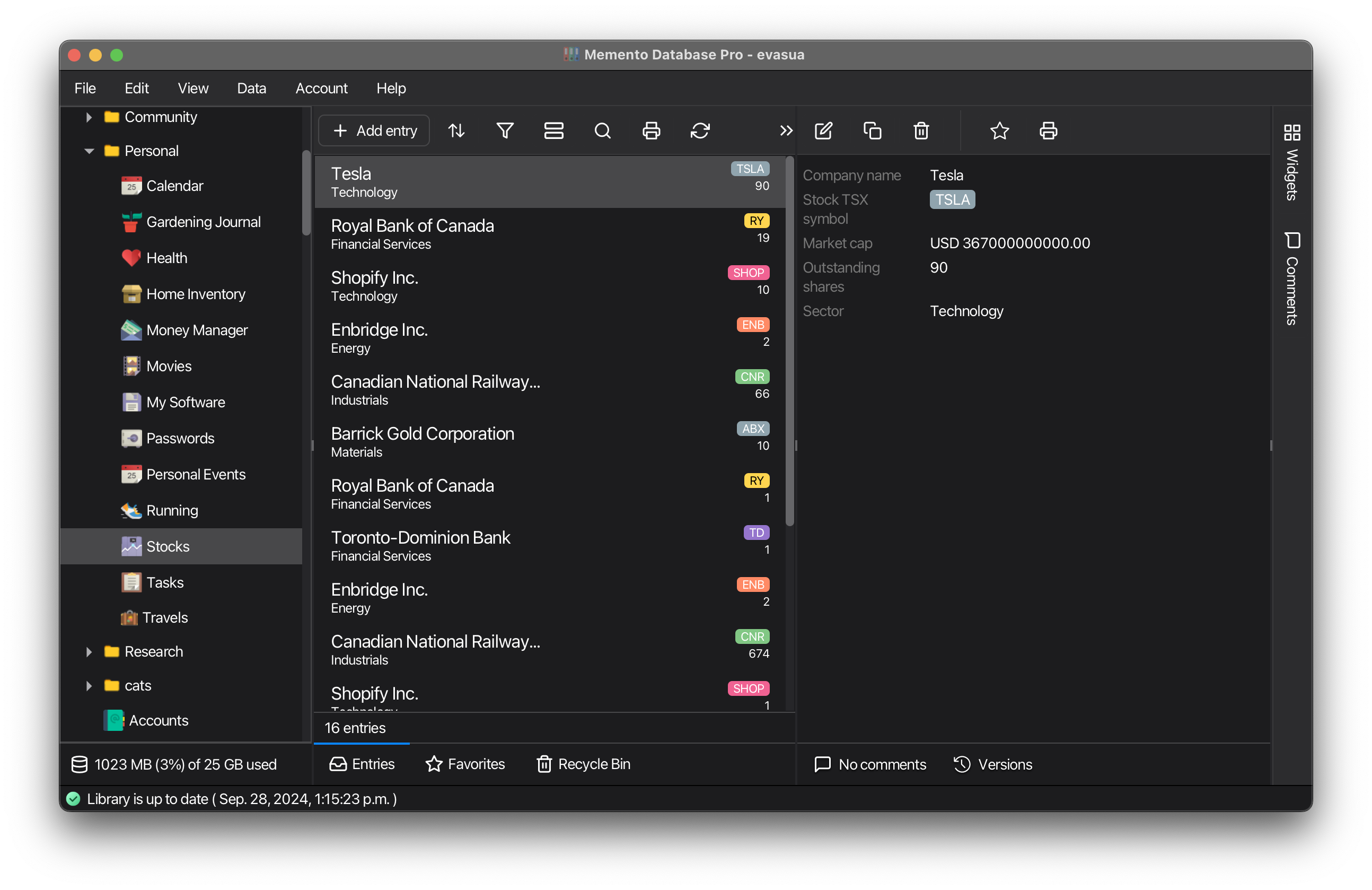
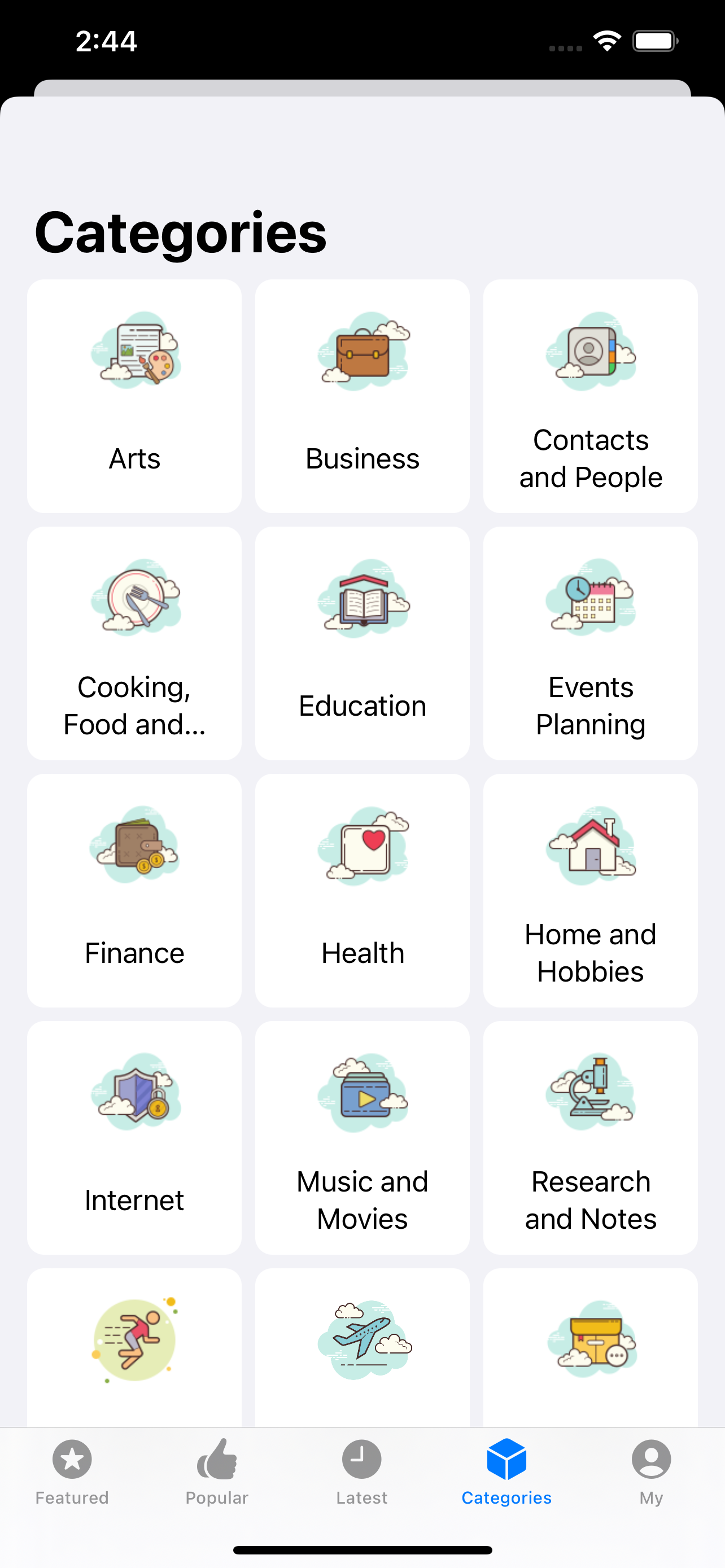
Design your personal productivity system. Memento replaces dozens of single-purpose apps, bringing all aspects of your life into one customizable platform.
Task Management
Organize to-do lists, goals, and personal projects.
Collection Cataloging
Track books, movies, music, or any personal collection.
Home Inventory
Catalog household items for insurance or organization purposes.
Health Tracking
Monitor fitness goals, medical records, and medication schedules.
Event Planning
Coordinate guest lists, budgets, and timelines for personal events.
Travel Planning
Manage itineraries, packing lists, and travel expenses.
Unleash Memento's Full Potential
Memento is designed for effortless use without any programming skills, offering remarkable flexibility out of the box. However, for those looking to push boundaries, these advanced features open up a world of possibilities.
Automate, integrate, and customize with JavaScript
Harness JavaScript to create custom triggers, complex calculations, and data manipulation actions. Integrate with external systems and design your own interface widgets for ultimate flexibility.
Learn more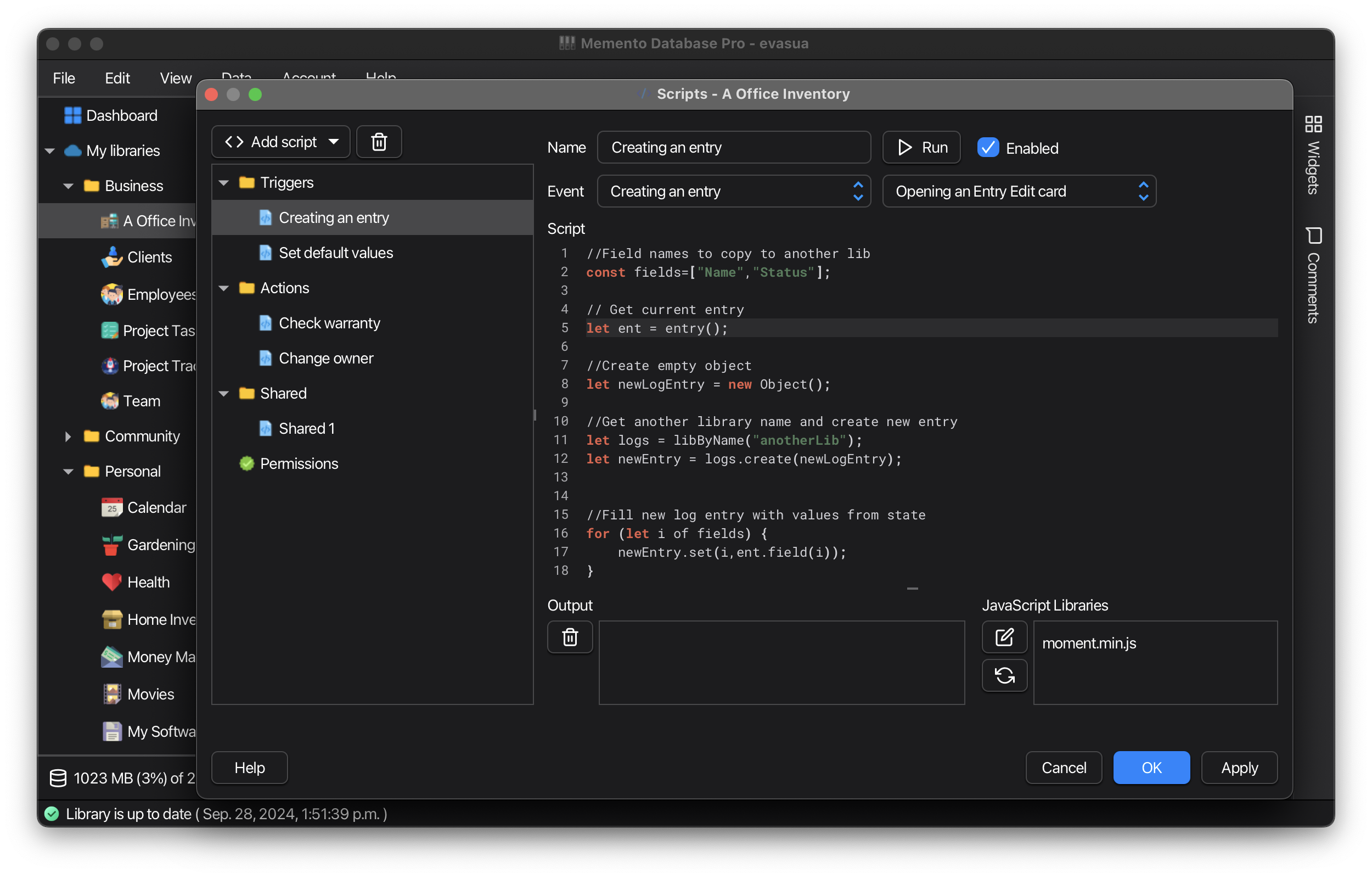
Unlock deeper insights with powerful queries
Craft powerful SQL queries to extract precise data sets, enabling advanced analysis and custom data views tailored to your specific needs.
Learn more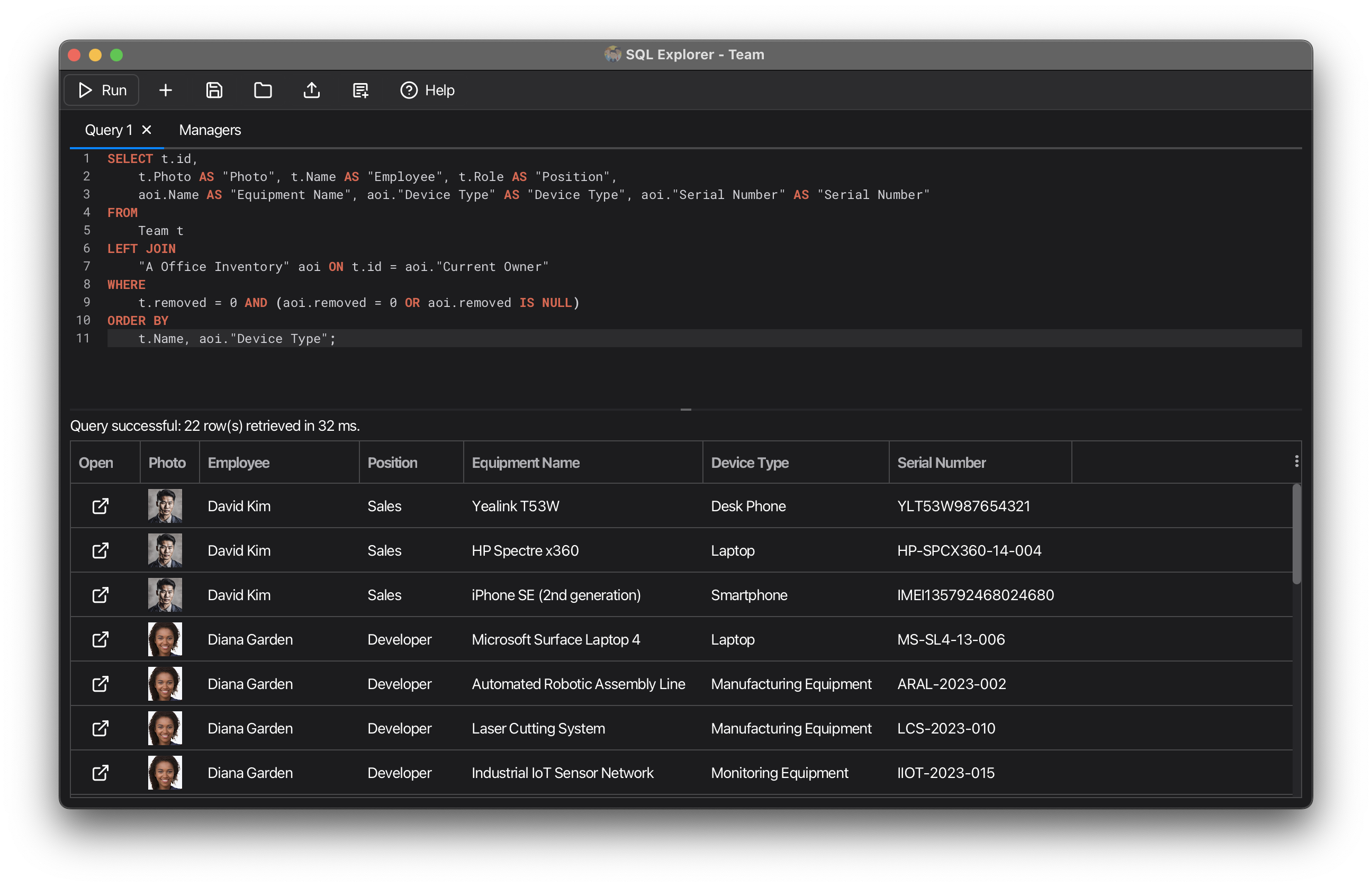
Create professional reports with flexible designs
Generate highly customizable reports for PDF export or printing. Design professional-looking documents with flexible layouts, charts, and data presentation options.
Learn more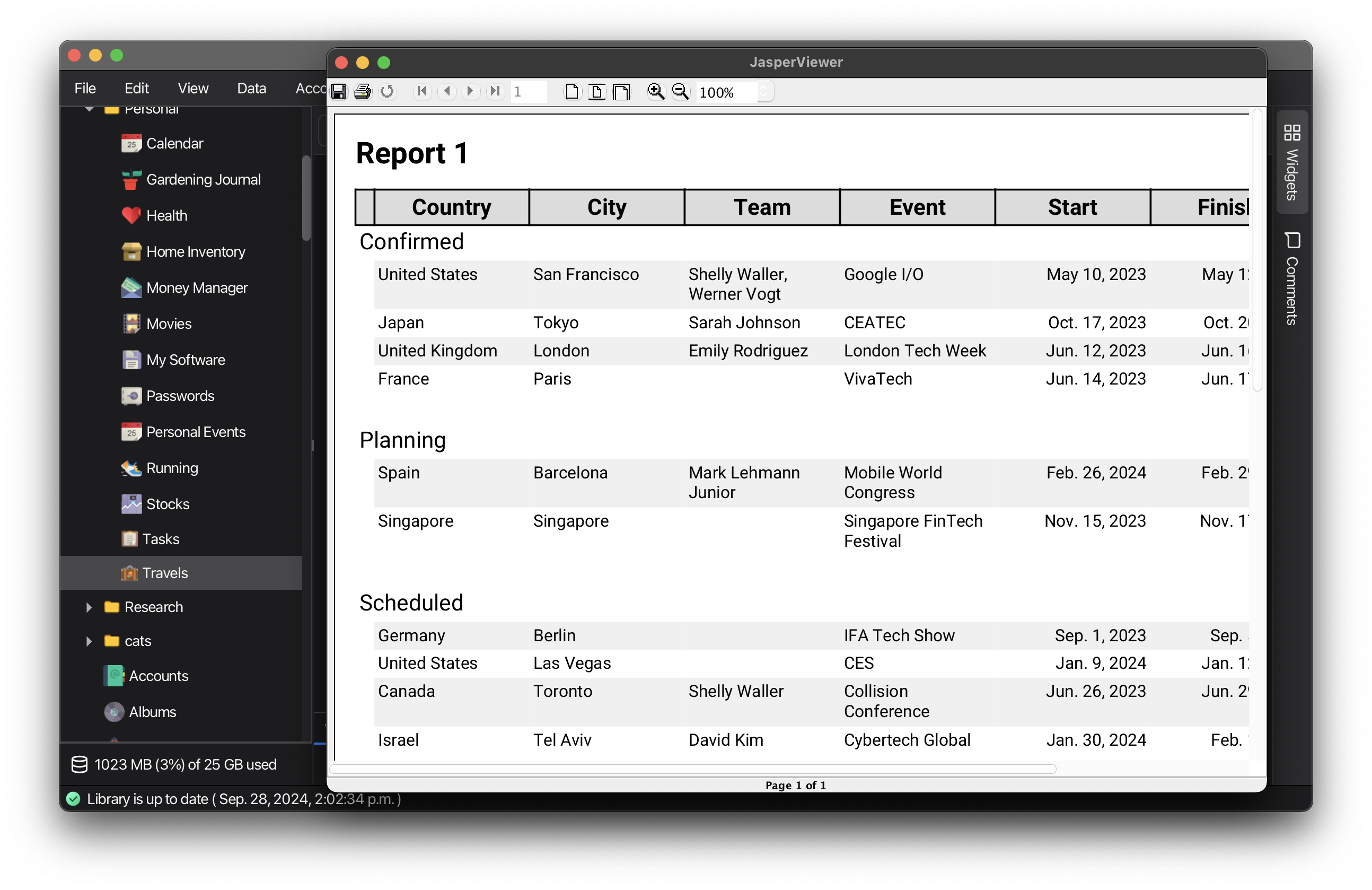
Collect data effortlessly from any web browser
Create custom web forms to collect data without requiring app installation. Perfect for gathering information from clients, team members, or anyone who needs to add records to your libraries.
Learn more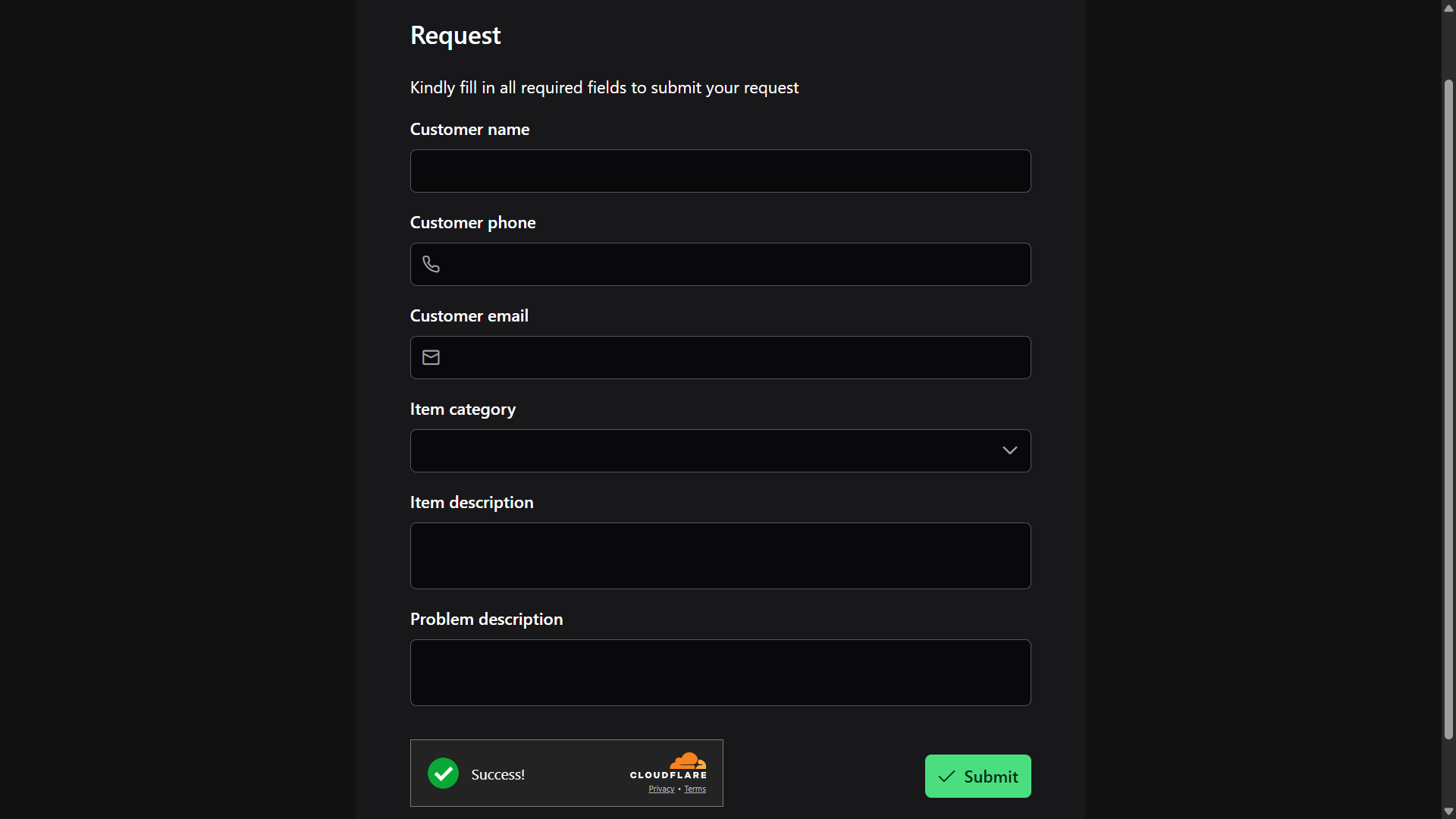
Publish your data as web pages in seconds
Turn libraries into standalone web pages with list, table or card views. No server setup: make them public, password-protected or restricted to specific users, then share a link or embed them into your website.
Learn more
Start Organizing Your Data Today
Free on Windows, Mac, Linux, Android and iOS. Build your own apps with AI on Android.
Download Now